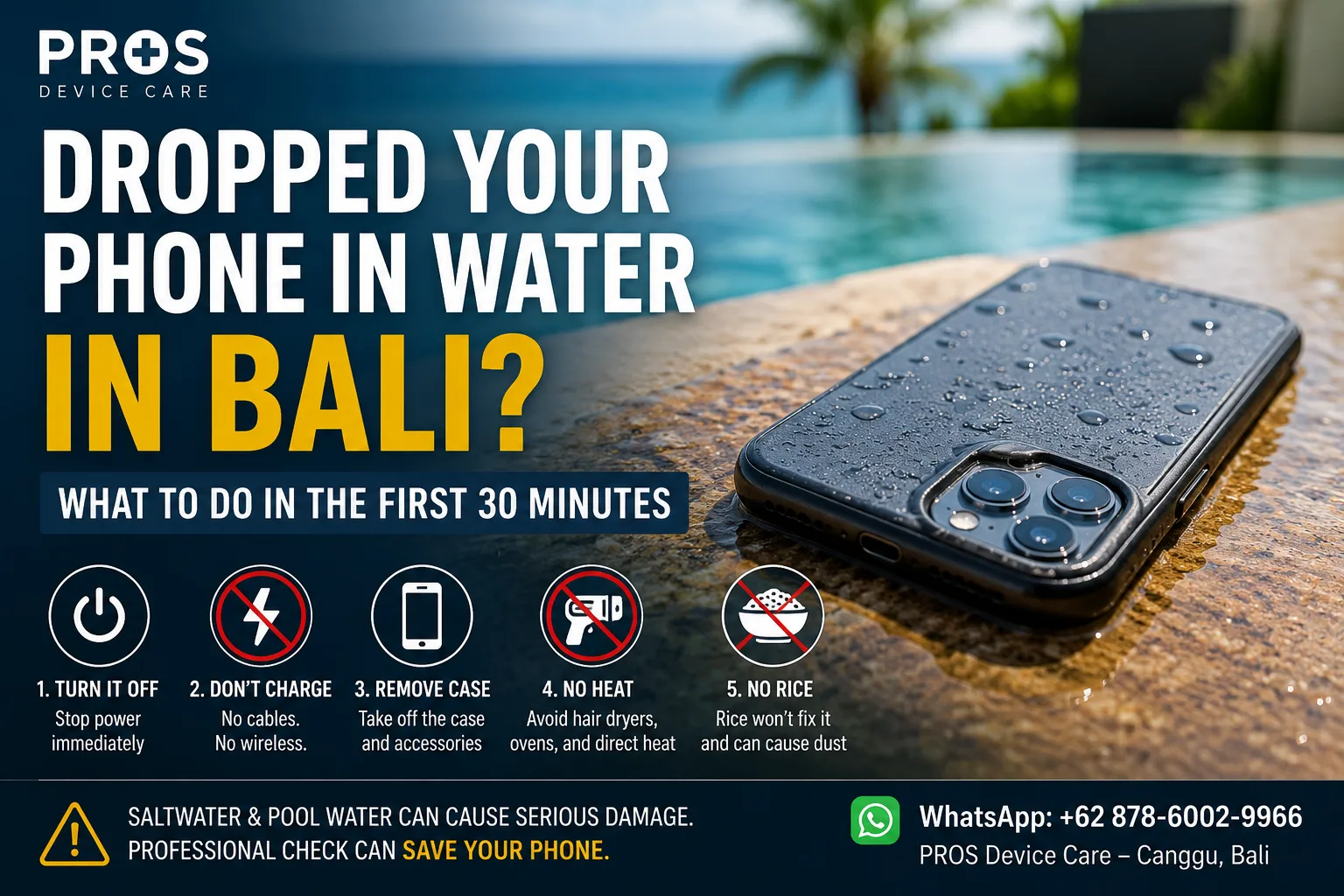
Your phone slips from your hand and lands in the pool. Or a wave catches you at the beach. Maybe Bali rain soaks your pocket before you realize your phone is wet.
Whatever happened, the next few minutes matter.
A wet phone may continue working normally at first, but that does not necessarily mean the inside of the device is dry or undamaged. Liquid can reach connectors and electronic components, while corrosion can develop later.
If you've just dropped your phone in water in Bali, here is what to do during the first 30 minutes—and what you should avoid.
1. Get the Phone Out of the Water Immediately
This sounds obvious, but the first priority is simply to stop further exposure.
Remove the phone from the pool, sink, rain, drink, or seawater as quickly and safely as possible.
Once it is out, remove the case and gently wipe the exterior with a clean, dry cloth.
Do not spend the next few minutes repeatedly pressing buttons to see whether everything still works. The goal at this stage is to reduce further electrical activity and liquid exposure.
2. Turn the Phone Off
If the device is still switched on and responding normally, power it off.
This is one of the most important things you can do after significant liquid exposure.
Water itself is only part of the problem. When liquid reaches powered electronic components, electrical activity can contribute to short circuits and additional damage.
If the phone has already switched itself off, do not repeatedly try to turn it back on.
3. Do Not Plug It Into a Charger
Your battery may be low, but this is not the time to find out whether charging still works.
Do not connect a wet phone to a charging cable.
Charging introduces power into a device that may still contain moisture around the charging port or internal components.
If the phone displays a liquid or moisture warning, take that warning seriously.
Wireless charging is not a good workaround either. If you suspect meaningful liquid exposure, keep the device powered down until its condition is clearer.
4. Remove What You Can Safely Remove
Depending on the device, remove the protective case and other accessories.
If your phone has a removable SIM tray and it is safe to access it, you can remove the tray and gently dry the exterior area.
Do not start dismantling the phone unless you have the proper tools and experience.
Modern phones use delicate flex cables, adhesives, seals, batteries, and small connectors. An improvised attempt to open the device can create a second problem on top of the liquid damage.
5. Don't Put the Phone in Rice
This is probably the most famous wet-phone trick—and one of the least useful.
Putting a phone in a bag of rice does not properly clean liquid or corrosion from internal electronic components.
Rice particles and dust can also find their way into ports and openings.
More importantly, leaving the phone in rice for hours or days can create a false sense that the problem has been solved while corrosion continues internally.
If the phone becomes functional again after drying, that still does not prove there is no internal damage.
6. Avoid Hair Dryers, Ovens and Direct Heat
Trying to force the water out with heat can cause additional damage.
A hair dryer, heat gun, oven, direct tropical sun, or other strong heat source can affect adhesives, seals, the display, battery, and other components.
Do not try to “cook” the moisture out of the phone.
Instead, keep the device in a dry, ventilated place while deciding whether professional inspection is necessary.
7. Saltwater Is More Urgent Than Fresh Water
This is especially relevant in Bali.
Dropping a phone into a swimming pool is bad enough. Dropping one into the sea introduces another problem: salt.
Saltwater can be particularly aggressive toward electronic components and may accelerate corrosion.
If your phone has been exposed to seawater around Canggu, Pererenan, Seminyak, Uluwatu, or another Bali beach, do not assume that drying the outside has solved the problem.
Professional inspection becomes more important after significant saltwater exposure, particularly if the device contains important data.
8. A Working Phone Can Still Have Liquid Damage
One of the confusing things about liquid damage is that symptoms do not always appear immediately.
Your phone might work perfectly after the accident and then develop problems later.
Possible symptoms can include:
- charging problems;
- unexpected shutdowns;
- screen or touch issues;
- camera condensation;
- speaker or microphone problems;
- overheating;
- unusual battery behaviour;
- Face ID, fingerprint sensor, or button problems.
That is why “it still turns on” should not be treated as proof that everything inside is fine.
What If Only the Charging Port Got Wet?
A small amount of moisture around the charging port is different from fully submerging the phone.
Many modern phones can detect moisture in or around the connector and may temporarily prevent charging.
If that happens, disconnect the cable and allow the device to dry naturally in a ventilated location.
Do not insert tissues, cotton buds, metal objects, or other items deep into the charging port.
If the warning continues or charging becomes unreliable after the phone has had adequate time to dry, the device should be inspected.
What About Water-Resistant Phones?
Water resistance can reduce risk, but it should not be treated as a guarantee against liquid damage.
Resistance can vary by device model and condition. Seals can also change as a phone ages, experiences impacts, or undergoes previous repairs.
Real-world exposure is also different from controlled testing. Seawater, chlorinated pool water, drinks, soap, heat, pressure, and physical damage can all change the situation.
So even if your phone was advertised with a water-resistance rating, pay attention to how it behaves after significant liquid exposure.
When Should You Get the Phone Checked?
Professional inspection is worth considering when the phone was submerged, exposed to seawater, remains wet internally, develops unusual behaviour, or contains data you cannot afford to lose.
You should also seek help if the phone becomes unusually hot, shows battery problems, repeatedly restarts, will not charge, or will not switch on.
The goal should be diagnosis before unnecessary parts are replaced.
Phone Water Damage Repair in Bali
If your phone has been exposed to a pool, rain, seawater, coffee, or another liquid, PROS Device Care can inspect the device and help identify what has actually been affected.
If you're around Canggu or Pererenan, you can learn more about our water damage repair service in Bali before deciding on the next step.
For other device problems, you can also explore our phone repair service in Canggu.
The important thing after significant water exposure is simple: switch the phone off, don't charge it, avoid DIY heat or rice, and get the device properly assessed when necessary.