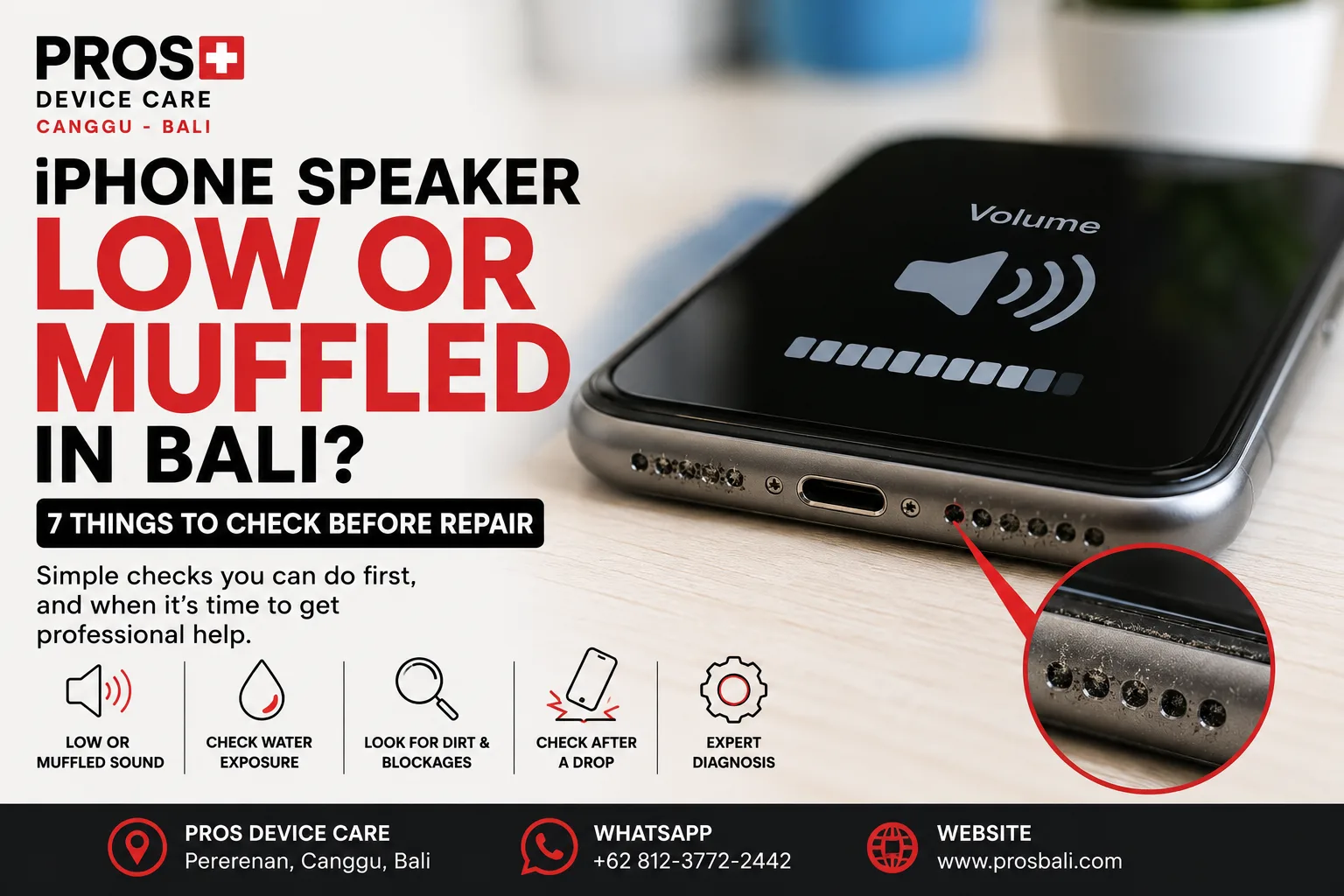
Your iPhone rings, but it sounds much quieter than it used to. Music feels muffled. Speakerphone is difficult to hear, or voices during calls no longer sound clear.
If your iPhone speaker sounds low or muffled in Bali, don't immediately assume the speaker itself needs replacing. Dirt, moisture, settings, physical damage, and several other issues can produce similar symptoms.
Here are seven things worth checking before deciding whether your iPhone needs repair.
1. Check the Volume and Sound Settings
Start with the obvious, because it is surprisingly easy to overlook.
Increase the volume while audio is actually playing. Also check whether the problem happens with music, videos, calls, speakerphone, or all of them.
If only one application sounds unusually quiet, the problem may not be related to the iPhone speaker hardware.
2. Remove the Case Temporarily
Some protective cases can partially obstruct the speaker openings, particularly if the case is damaged, poorly fitted, or has accumulated dirt around the bottom of the phone.
Remove the case and play the same audio again.
If the sound improves noticeably, inspect the case before assuming there is a fault inside the device.
3. Look for Dirt Around the Speaker Openings
Phones spend a lot of time in pockets, bags, cars, cafés, beaches, and work environments. Over time, dust and debris can collect around speaker openings.
This can make audio sound quieter or less clear.
Avoid pushing sharp objects, needles, or metal tools into the openings. Aggressive cleaning can cause damage rather than solve the problem.
4. Did the Problem Start After Water Exposure?
This is particularly important in Bali.
Rain, swimming pools, wet hands, beach activities, drinks, and moisture inside a bag can expose an iPhone to liquid even when the device was never completely submerged.
A speaker may sound temporarily muffled after moisture exposure. However, persistent sound problems combined with charging issues, unusual heat, camera fogging, display problems, or unexpected restarts deserve closer attention.
If you suspect liquid entered the phone, avoid deliberately heating it with a hair dryer or other heat source.
5. Compare Normal Calls With Speakerphone
An iPhone uses different audio components for different functions.
If normal calls are difficult to hear but speakerphone sounds fine, that is useful information. If speakerphone is quiet while the earpiece sounds normal, that is useful too.
Tell the technician exactly which type of audio is affected rather than simply saying that the “speaker is broken.”
6. Did the iPhone Recently Fall?
If the sound problem began after the phone was dropped, mention the impact when requesting diagnosis.
A fall can cause problems even if the glass did not crack. The timing between the impact and the new symptom can help narrow down the likely cause.
Also check whether the microphone, cameras, buttons, display, or charging behavior changed after the same incident.
7. Restart and Test With Different Audio
Before arranging a repair, restart the iPhone and test several audio sources.
Try a video, music, ringtone, voice recording, and a phone call if possible. This helps establish whether the problem affects all audio or only a specific function.
If the sound returns to normal after restarting and stays normal, hardware repair may not be necessary.
Why Does an iPhone Speaker Sound Distorted?
Low volume and distortion are not exactly the same problem.
A speaker may sound loud enough but produce buzzing, crackling, or distorted audio at certain frequencies. Another phone may simply sound much quieter than expected.
Those differences matter during diagnosis because several causes can create similar symptoms.
Does a Quiet iPhone Speaker Always Need Replacing?
No.
The appropriate solution depends on what is causing the problem. External obstruction, moisture, software behavior, physical damage, and component failure should not automatically be treated as the same fault.
A diagnosis first can help avoid replacing a part unnecessarily.
When Should You Get the iPhone Checked?
Consider professional diagnosis if:
- the speaker remains unusually quiet at maximum volume;
- audio sounds distorted, crackling, or muffled;
- the problem started after liquid exposure;
- the iPhone recently suffered a drop or impact;
- one audio function works while another does not;
- the problem is becoming progressively worse; or
- basic checks and restarting the phone make no difference.
iPhone Speaker Diagnosis in Canggu, Bali
If your iPhone speaker has become quiet, muffled, or distorted, PROS Device Care can inspect the device and help identify the likely cause before recommending a repair.
Our workshop is located in Pererenan, Canggu, Bali. Tell us your exact iPhone model, which speaker or audio function is affected, and whether the problem followed a drop, water exposure, or previous repair.
For other device problems, see our iPhone repair service in Canggu. If the sound issue began after the phone became wet, you can also read our water damage repair information for Bali.
Need help? Contact PROS Device Care with the symptoms and your iPhone model so we can advise you on the appropriate next step.