You plug your iPhone in before bed, but the battery percentage barely moves. Or the cable only works when you hold it at a certain angle. Sometimes, nothing happens at all.
If your iPhone is not charging in Bali, don't assume the charging port needs to be replaced immediately. The problem can be as simple as lint inside the port, but it can also involve the cable, battery, moisture, or internal charging components.
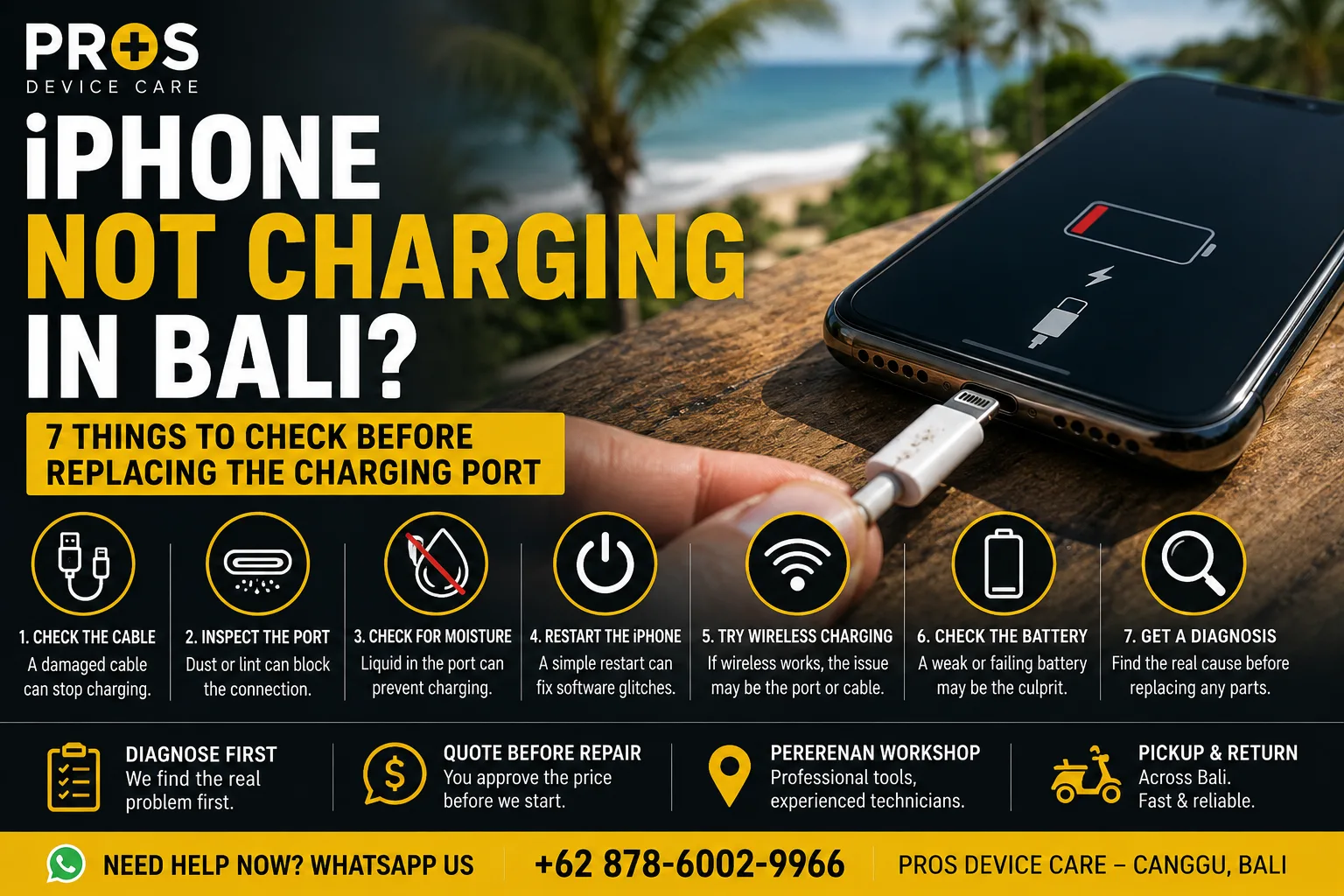
Here are seven things worth checking before deciding on a repair.
1. Try a Different Charging Cable
Start with the simplest possibility: the cable.
Charging cables get bent, pulled, packed into bags, and used every day. Damage near the connector can cause intermittent charging even when the cable looks normal from the outside.
Try another compatible cable and charger that you know works properly. If your iPhone starts charging normally, the phone itself may be fine.
2. Check the Charging Port for Dust or Lint
This is especially common for phones carried in pockets or bags.
Small amounts of lint can gradually collect inside the charging port. Eventually, the connector may no longer sit completely inside the port.
A common sign is a charging cable that feels loose or only charges when positioned at a particular angle.
Don't aggressively scrape inside the port with metal objects. The contacts inside are small and can be damaged. If you're unsure, having the port professionally inspected and cleaned is safer.
3. Look for Moisture Warnings
Bali's combination of beaches, pools, rain, humidity, and outdoor activities means phones are regularly exposed to moisture.
If your iPhone detects liquid around the connector, it may temporarily prevent charging to protect the device.
If you recently got the phone wet, disconnect the cable and allow the device to dry naturally in a ventilated area.
Don't use a hair dryer, don't apply excessive heat, and don't put the phone in rice.
4. Restart the iPhone
Not every charging problem is hardware-related.
A temporary software issue can occasionally interfere with charging detection or battery reporting. Restart the iPhone and reconnect the charger.
If charging returns to normal, monitor the phone for the next few days. If the problem repeatedly comes back, further diagnosis may still be worthwhile.
5. Check Whether Wireless Charging Still Works
If your iPhone model supports wireless charging, this can provide a useful clue.
If wireless charging works normally but cable charging consistently fails, the problem may be related to the charging port, connector, or wired charging circuit.
It doesn't automatically mean the port needs replacement, but it helps narrow down the cause.
6. Pay Attention to the Battery
A charging problem can sometimes actually be a battery problem.
Watch for symptoms such as:
- Battery percentage dropping unusually fast
- Phone shutting down unexpectedly
- Battery percentage jumping suddenly
- Phone becoming unusually hot while charging
- Very slow charging even with a known-good charger
If several of these symptoms appear together, checking the battery condition may make more sense than immediately replacing the charging port.
7. Get the iPhone Diagnosed Before Replacing Parts
If you've tried another charger, checked for moisture, restarted the phone, and the problem continues, it's time for a proper diagnosis.
The important part is identifying why the iPhone isn't charging before replacing anything.
At PROS Device Care, we can inspect the charging port, battery condition, charging behavior, and related hardware before recommending a repair.
This approach avoids replacing a charging port when the real problem is somewhere else.
Need iPhone Charging Repair in Canggu or Bali?
If you're staying or living in Canggu and your iPhone suddenly stops charging, you don't necessarily need to replace the phone—or even the charging port.
Bring the device to PROS Device Care for diagnosis first. We'll identify the likely cause and explain the repair options before proceeding.
Our workshop is located in Pererenan, Canggu, Bali, and pickup and return service may also be available depending on your location.
Need help now? Contact PROS Device Care via WhatsApp and tell us your iPhone model and what happens when you connect the charger.