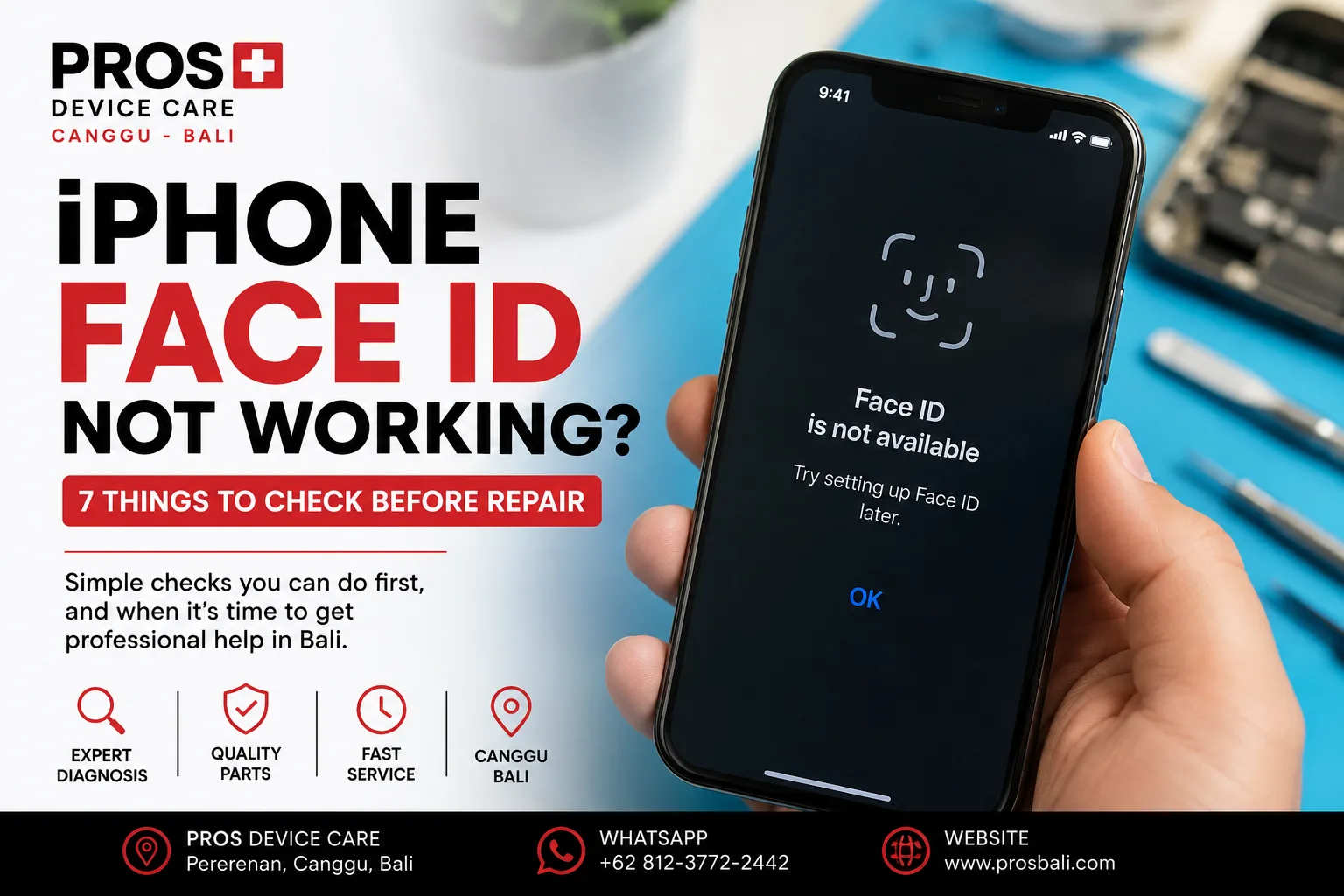
You pick up your iPhone, look at the screen, and Face ID suddenly refuses to recognize you. Maybe it works occasionally. Maybe you see “Face ID is not available.” Or perhaps the problem started after your iPhone was dropped, got wet, or had its screen repaired.
If your iPhone Face ID is not working in Bali, don't immediately assume that the phone needs an expensive repair. Some Face ID problems can be caused by simple things you can check yourself.
Here are seven things worth checking before deciding what to do next.
1. Clean the Area Around the Front Camera
Start with the simplest possibility.
Face ID relies on sensors located around the front camera area. Fingerprints, dust, sunscreen, moisture, or dirt covering this area can interfere with normal operation.
This can be particularly easy to overlook after spending time at the beach, riding around Bali, or keeping your phone in a bag or pocket throughout the day.
Gently clean the top portion of the screen with a clean microfiber cloth, then try Face ID again.
2. Check the Screen Protector and Case
A badly fitted screen protector or case may interfere with the sensor area.
If the Face ID problem appeared shortly after installing a new screen protector or case, temporarily remove the accessory and test Face ID again.
If it immediately returns to normal, the accessory may be the cause rather than a fault inside the iPhone.
3. Restart Your iPhone
Not every Face ID problem means damaged hardware.
A temporary software issue can sometimes cause Face ID to behave unexpectedly. Restart the iPhone, enter your passcode when requested, and test Face ID again.
If everything returns to normal and the problem does not come back, a hardware repair may not be necessary.
4. Check Your Face ID Settings
Open the Face ID settings on your iPhone and make sure Face ID is enabled for the functions you are trying to use.
You can also try resetting Face ID and setting it up again.
If the iPhone repeatedly fails during Face ID setup or reports that Face ID is unavailable, that information can help when diagnosing the device.
5. Did Face ID Stop Working After a Drop?
If the problem started immediately after dropping the iPhone, don't ignore the timing.
The front sensor system contains delicate components. An impact can potentially affect them even when the display does not look badly damaged.
Pay attention to other changes too. Problems with the front camera, proximity sensing, display behavior, or earpiece area can provide useful clues during diagnosis.
6. Was the iPhone Exposed to Water?
Water exposure is another important clue, especially in Bali.
Rain, swimming pools, beach activities, wet bags, drinks, and accidental splashes can expose a phone to moisture. An iPhone may continue working normally while one particular function begins behaving differently later.
If Face ID stopped working after liquid exposure, especially alongside camera fogging, charging problems, unusual heat, or display issues, consider having the device inspected.
Avoid repeatedly charging or heating a device if you suspect liquid has entered it.
7. Did the Problem Start After a Previous Repair?
If Face ID stopped working after a screen replacement or another repair, tell the technician exactly when the problem started.
Face ID relies on a sophisticated sensor system, so careful diagnosis is important. Replacing unrelated components without identifying the cause can create unnecessary cost without solving the original problem.
The objective should be to understand what failed before deciding which repair, if any, is appropriate.
Can iPhone Face ID Be Repaired?
It depends on why Face ID stopped working.
If dirt, an accessory, settings, or temporary software behavior caused the problem, hardware repair may not be required.
If there has been physical damage, liquid exposure, or an issue involving the front sensor system, the device needs to be properly inspected before the repair options can be determined.
This is why diagnosis should come before replacing parts.
When Should You Get Your iPhone Checked?
Consider professional diagnosis if:
- Face ID suddenly becomes unavailable;
- you cannot set up Face ID again;
- Face ID stopped working after a drop;
- the problem appeared after water exposure;
- Face ID stopped working after a previous repair;
- the front camera or proximity sensor is also behaving strangely; or
- restarting the iPhone and checking its settings does not solve the problem.
Need Help With Face ID in Canggu or Bali?
If your iPhone's Face ID has stopped working, PROS Device Care can inspect the device and diagnose the likely cause before recommending a repair.
Our workshop is located in Pererenan, Canggu, Bali. If the issue followed a drop, water exposure, previous repair, or appeared without an obvious reason, let us know what happened and when the symptoms began.
If your iPhone has other problems as well, you can also learn more about our iPhone repair service in Canggu. For devices that have been exposed to liquid, see our water damage repair information for Bali.
Need help? Contact PROS Device Care with your exact iPhone model, what Face ID is doing, and whether the problem started after a drop, liquid exposure, or previous repair.