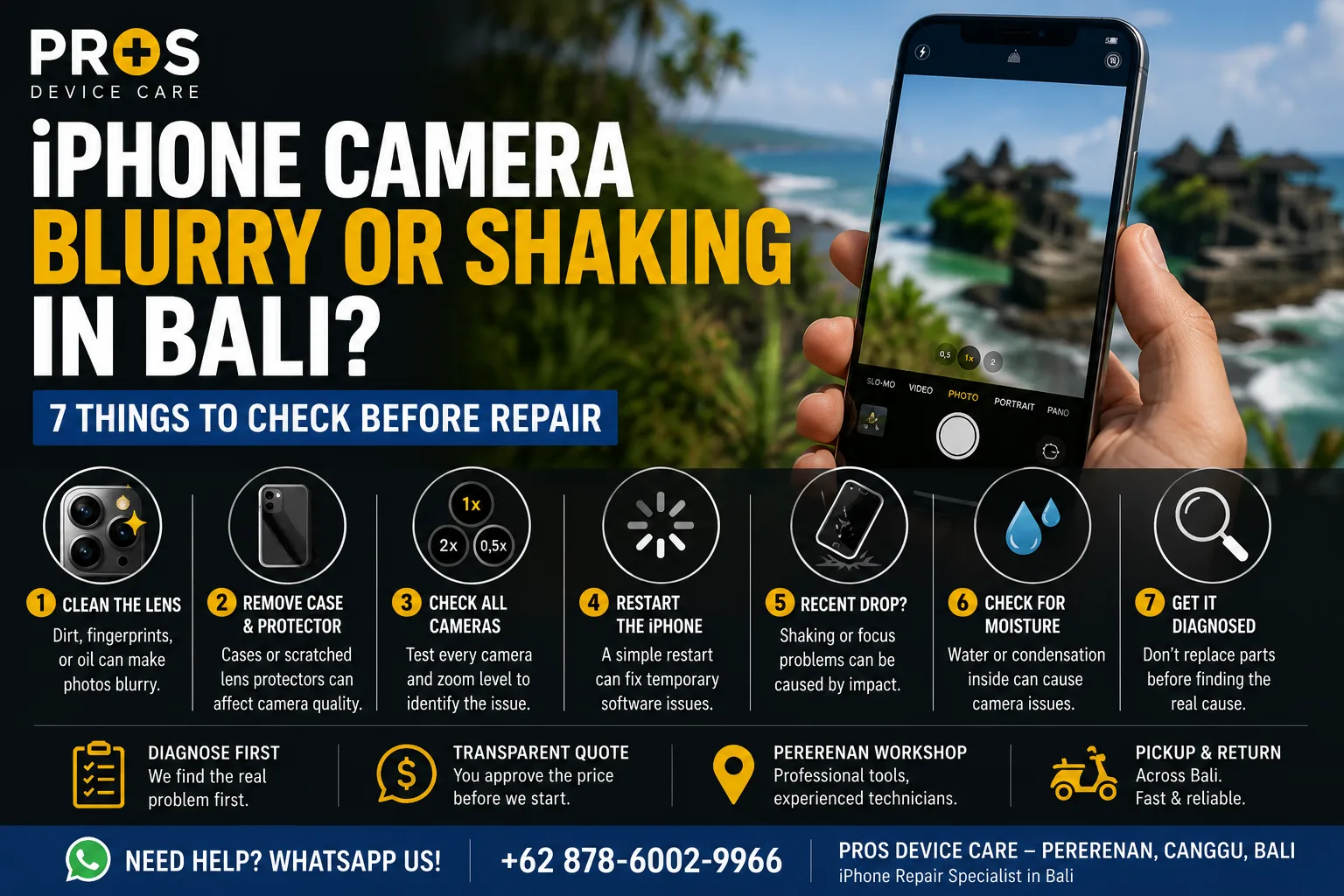
You open the camera to take a photo in Bali, but something isn't right. The image stays blurry, the camera struggles to focus, or the picture seems to shake even though you're holding the iPhone still.
Before assuming that the camera needs to be replaced, it's worth checking a few simpler possibilities first.
An iPhone camera that is blurry or shaking can be caused by something as simple as a dirty lens or case. But drops, moisture, damaged stabilization components, or internal hardware problems can produce similar symptoms.
Here are seven things to check before deciding on a repair.
1. Clean the Camera Lens
Start with the simplest check.
Fingerprints, sunscreen, dust, moisture, and oil can leave a thin layer over the camera lens. In Bali, a day at the beach or carrying your phone around outdoors can make this happen surprisingly quickly.
Use a clean, soft microfiber cloth to gently wipe the camera lenses and test the camera again.
If the image becomes sharp again, you probably don't have a camera hardware problem.
2. Remove the Case or Camera Lens Protector
Cases and aftermarket camera lens protectors can sometimes interfere with the camera.
A scratched protector may make photos look permanently hazy. Poorly positioned accessories can also affect focusing or flash performance.
Remove the case and any camera protector temporarily, then take another photo.
If the problem disappears, the accessory rather than the iPhone may be responsible.
3. Check Whether the Problem Happens on Every Camera
Modern iPhones can have multiple rear cameras.
Test the different zoom levels available in the Camera app. Also switch between the rear and front camera.
If one camera consistently produces blurry or shaking images while the others work normally, that's useful information for diagnosis.
Tell the technician exactly which camera or zoom level causes the problem.
4. Restart the iPhone
Camera problems aren't always caused by broken hardware.
If the Camera app freezes, refuses to focus, shows a black screen, or behaves strangely, close the app and restart your iPhone.
Then open the Camera app again and test it.
If the issue disappears completely, it may have been a temporary software problem.
5. Did the iPhone Recently Fall?
If the camera started shaking or struggling to focus after the phone was dropped, the timing matters.
Some iPhone cameras use optical image stabilization and autofocus mechanisms containing small moving components.
A strong impact can potentially affect these mechanisms even when the camera glass itself isn't visibly cracked.
A common symptom is an image that appears to vibrate, shake, or repeatedly move in and out of focus.
6. Check for Moisture or Condensation
Look closely at the camera lenses.
If you can see fogging or condensation beneath the camera glass, moisture may have entered the device.
This deserves more attention than simply wiping the outside of the lens.
Beach trips, pools, heavy rain, and other water exposure can potentially cause problems even if the iPhone continues working normally afterward.
If the camera problem started after water exposure, avoid unnecessary charging or continued heavy use until the device can be inspected.
7. Don't Replace the Camera Until the Problem Is Diagnosed
If cleaning the lens, removing accessories, restarting the phone, and testing the cameras doesn't solve the problem, professional diagnosis is the sensible next step.
The symptom alone doesn't always tell you which component is responsible.
A technician can inspect the camera, lens area, physical condition of the phone, and related hardware before recommending replacement.
This helps avoid paying for a part that wasn't actually causing the problem.
Can a Shaking iPhone Camera Be Repaired?
It depends on what is causing the shaking.
If the issue comes from an accessory, dirt, or temporary software behavior, replacing the camera may not be necessary at all.
If the camera module itself has been damaged, repair or replacement may be required.
That's why diagnosis should come before replacing parts.
Need iPhone Camera Repair in Canggu or Bali?
If your iPhone camera remains blurry, won't focus, shakes continuously, or stopped working after a drop, PROS Device Care can inspect the device and identify the likely cause.
Our workshop is located in Pererenan, Canggu, Bali.
We can diagnose the problem first and explain the available repair options before work begins. Pickup and return service may also be available depending on your location in Bali.
Need help with your iPhone camera? Contact PROS Device Care via WhatsApp and tell us your iPhone model, what the camera is doing, and whether the phone was recently dropped or exposed to water.